Train your tactical vision
Look for checks, captures and threats. Practise spotting loose pieces, pins and forks before making your move.

CHESS ON YOUR PHONE. ONE MOVE AT A TIME.
Turn a few spare minutes into your next good move. Solve chess puzzles, train at your own pace and share challenges with friends. Download Rush64 Chess and find your starting point.
Free download · Android and iPhone
Contains ads and in-app purchases. An optional Pro subscription is available.

Scan with your phone to choose the App Store or Google Play.
MAKE ROOM FOR CHESS
Look for checks, captures and threats. Practise spotting loose pieces, pins and forks before making your move.
Review the sequence on the board. Understanding why a move works matters as much as finding it.
Start with a short round or come back for the daily challenge. Experience, levels and streaks help you follow your practice.
TAKE A LOOK INSIDE
Start a round, find your next training session and discover what comes next. App screens featuring Rush64’s gold board; demonstration accounts use sample names, results and rankings.
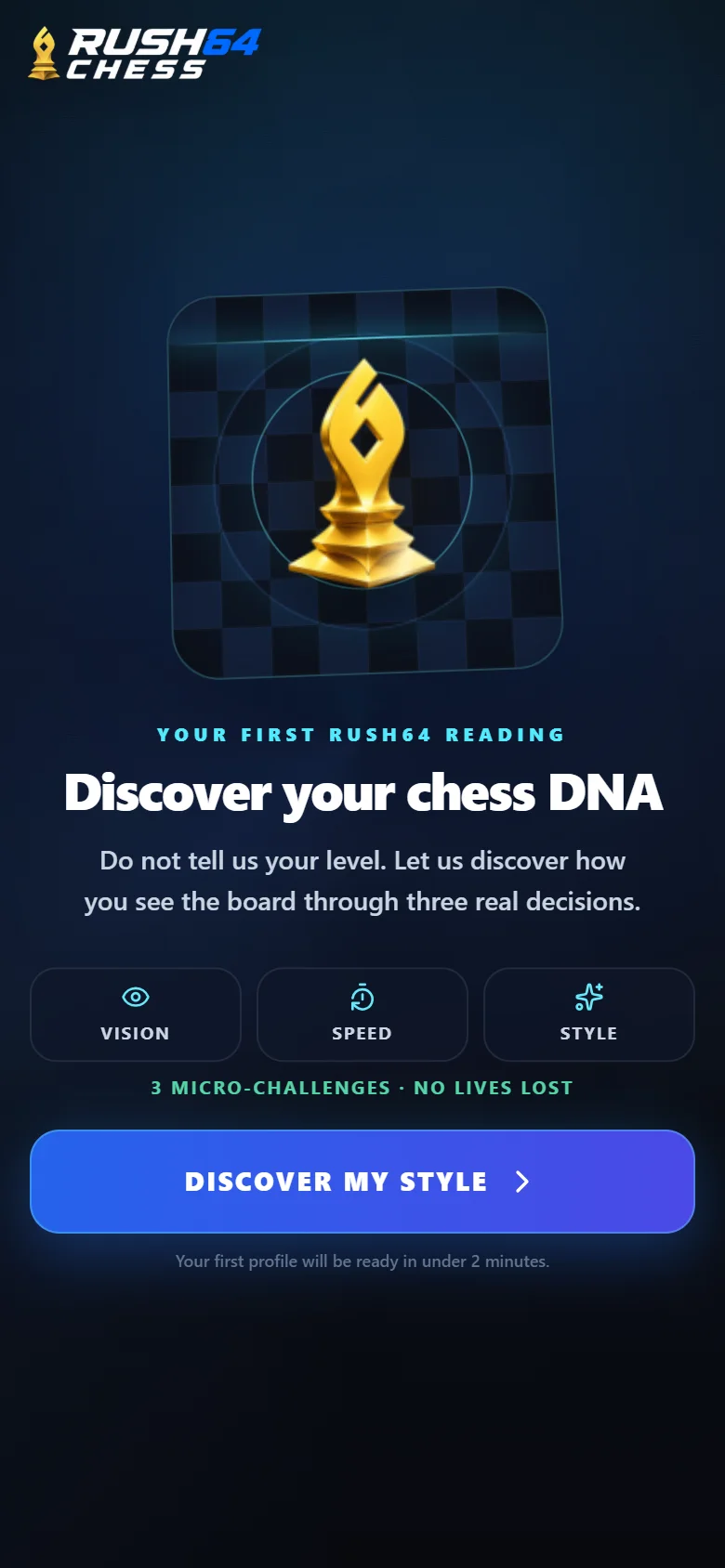
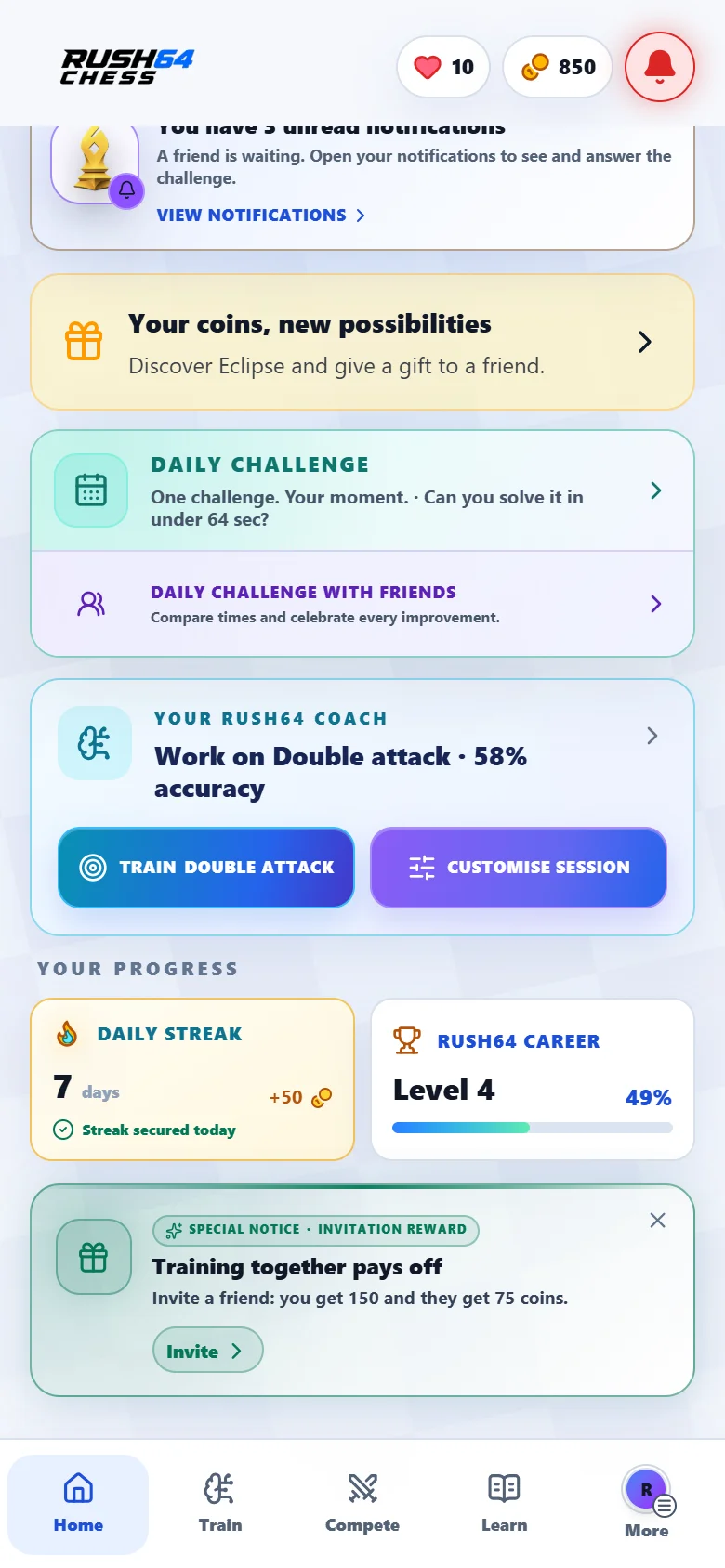
The home screen gives you a clear place to start: playing. Begin with three challenges and discover how you read the board, without sorting through dozens of options.
Swipe to see both screens
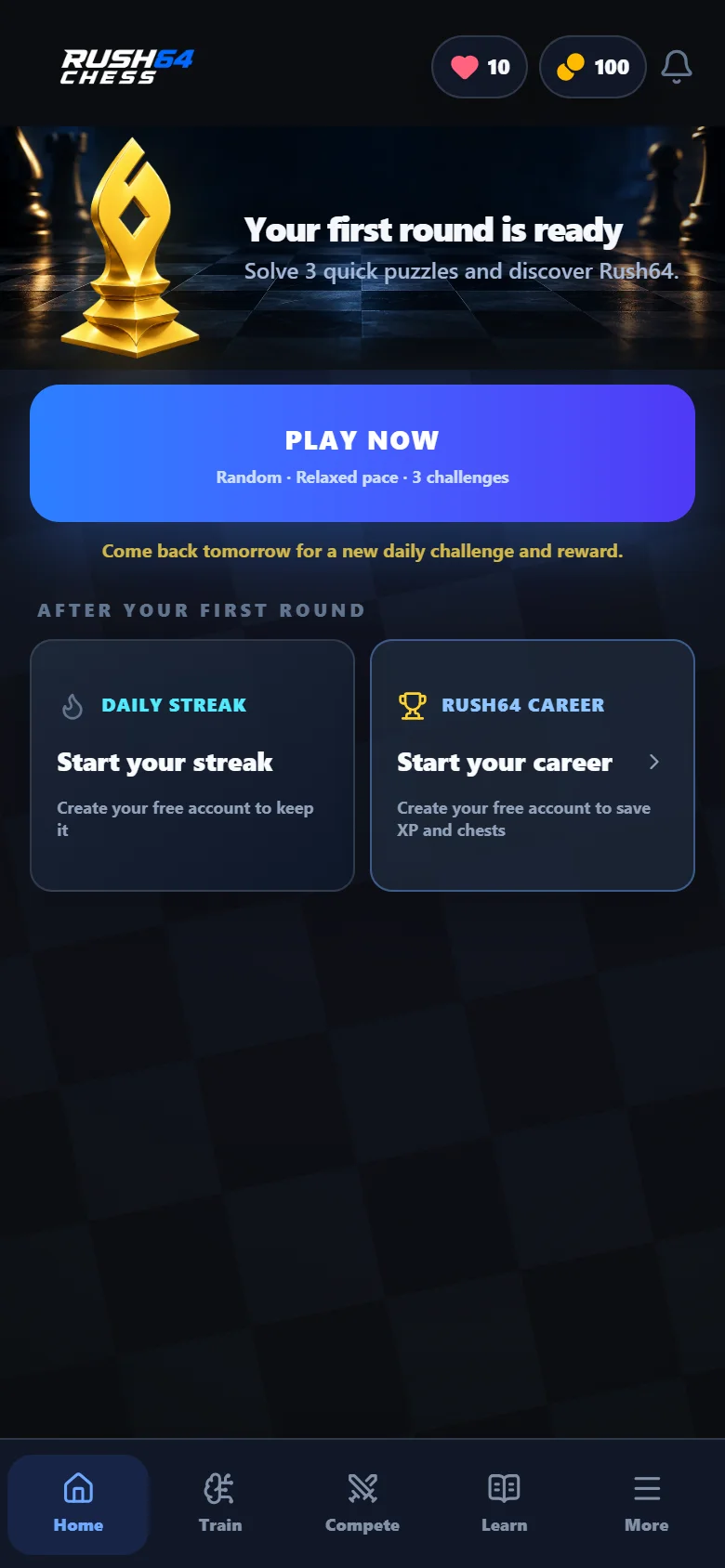
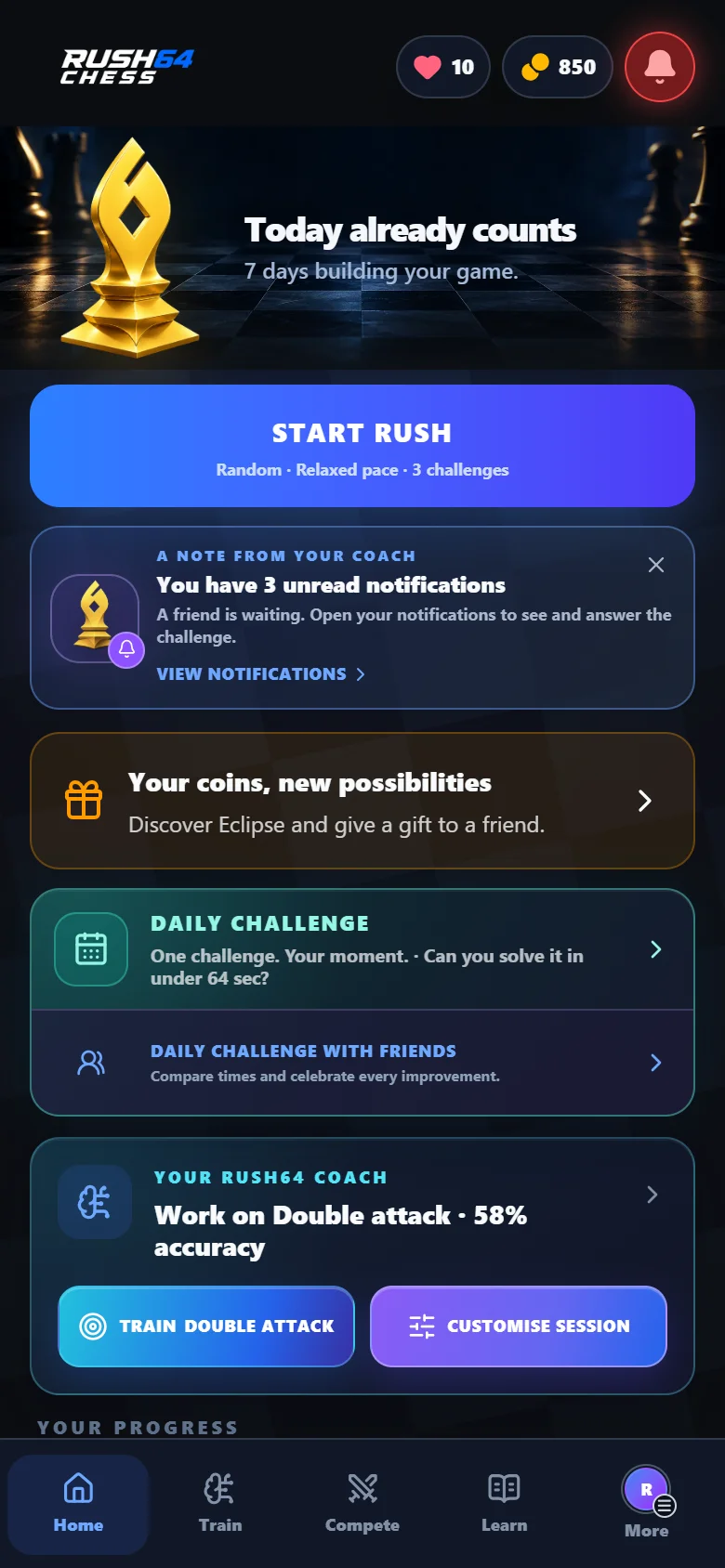
Play, the daily challenge, friend challenges and your coach each have a place. Further down, streak and Rush64 Career cards show what you are building. Choose a dark or light theme in settings.
Swipe to see both screens
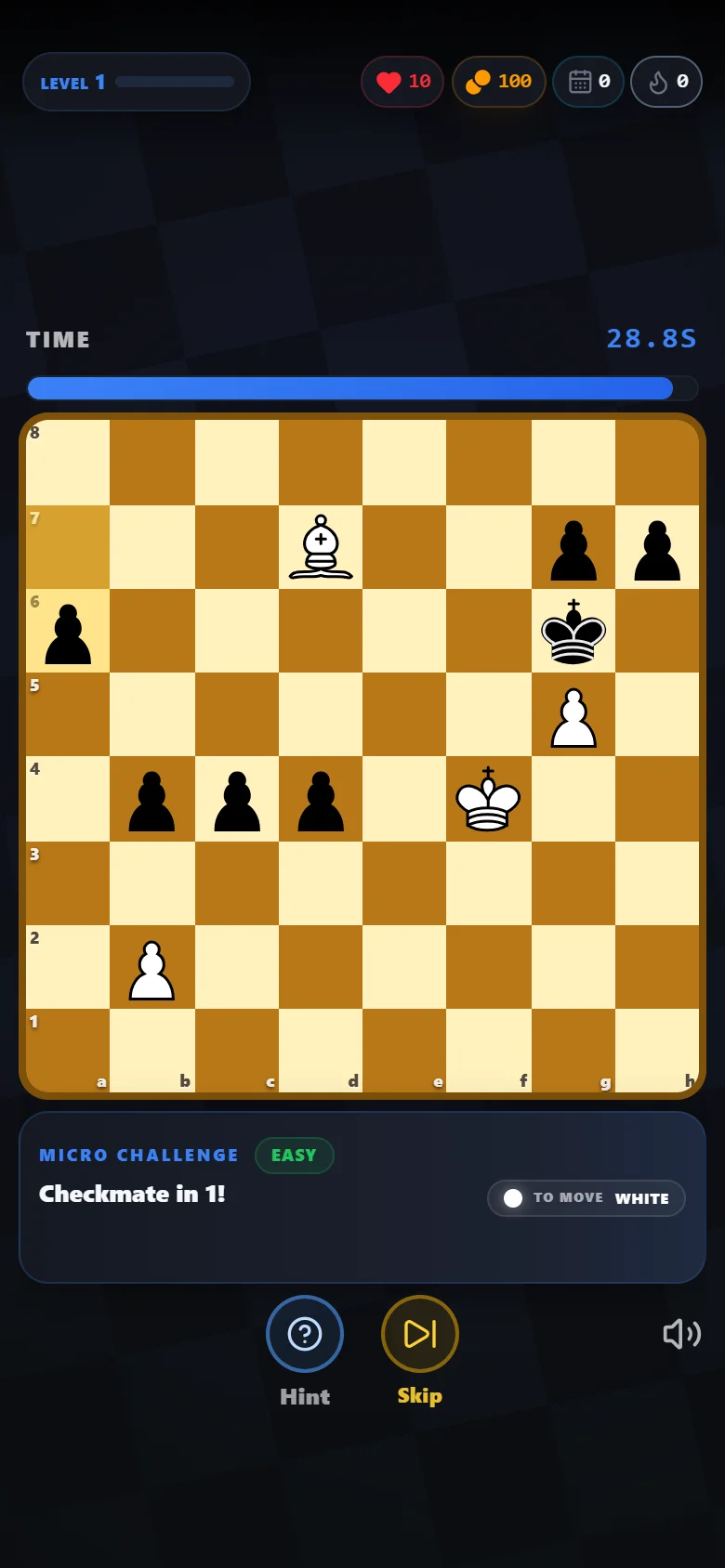
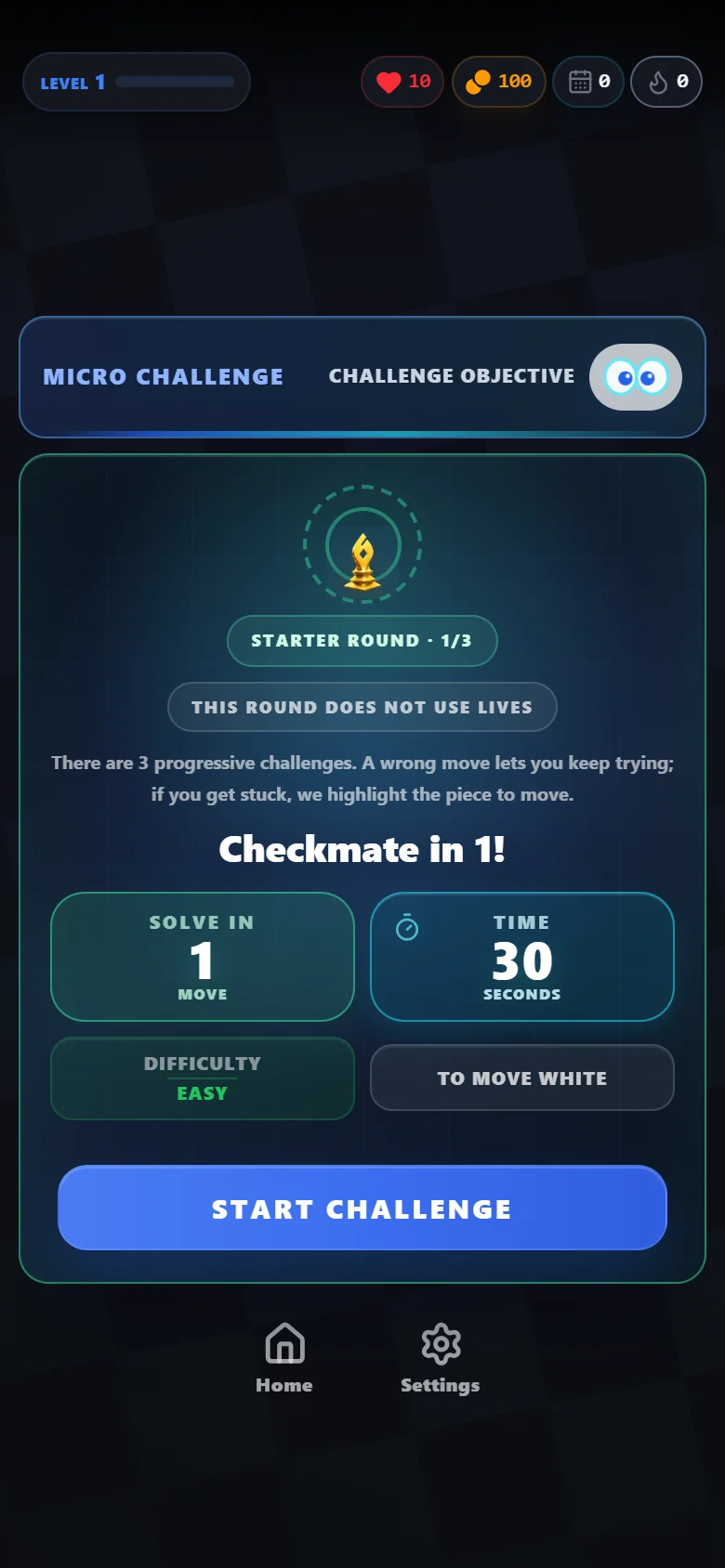
Before you start, see what you need to achieve. On the board, look for threats and move a piece: the position responds to your decisions.
Swipe to see both screens
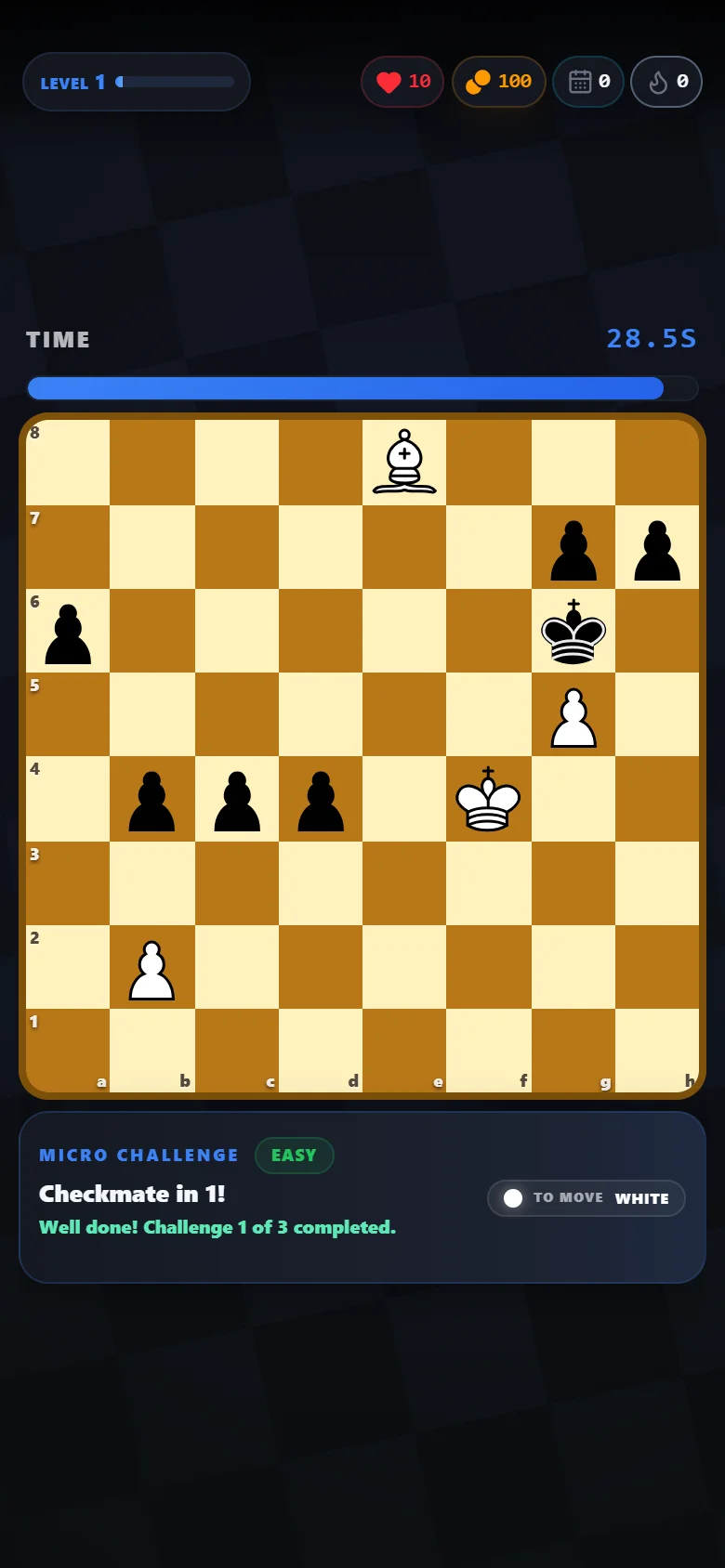
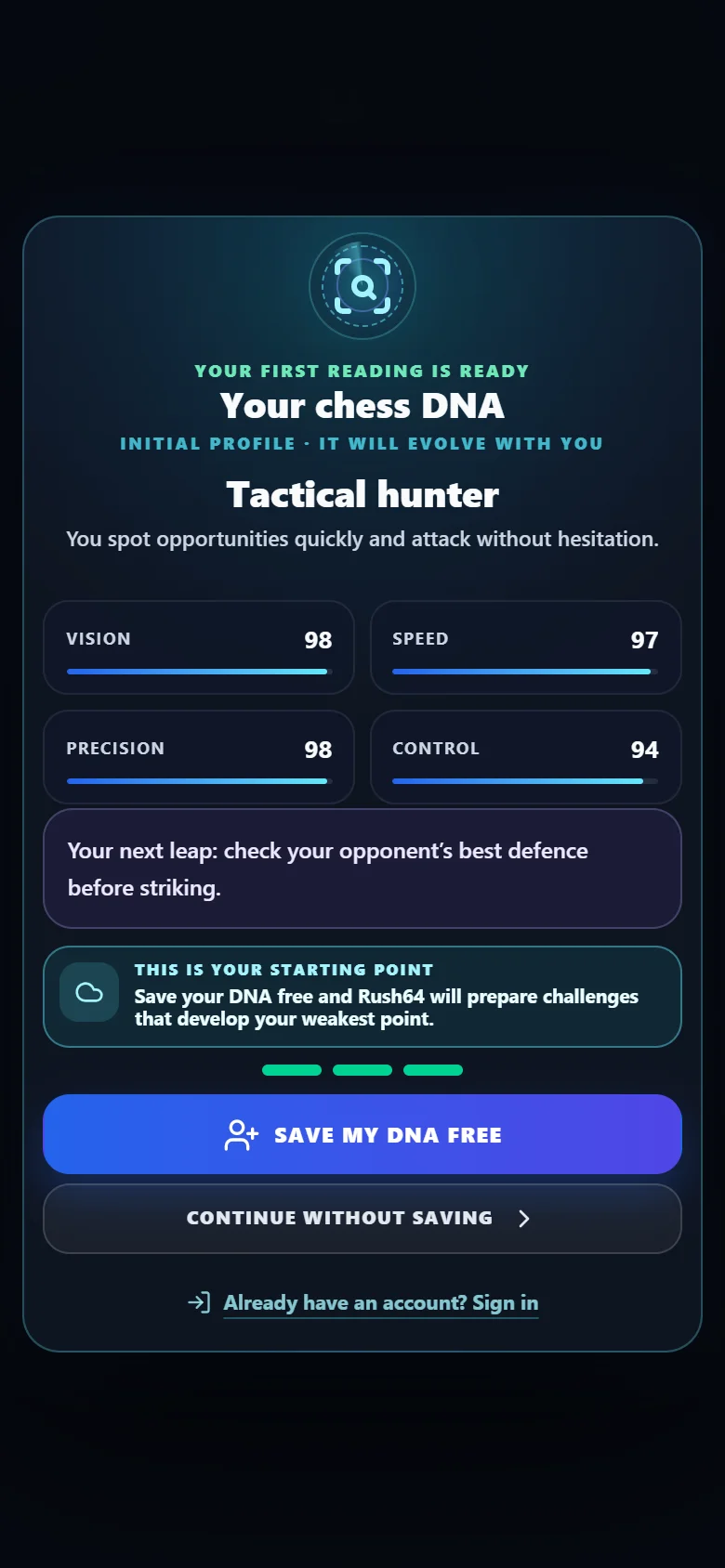
Each correct solution gets feedback on screen. Finish the three challenges to reveal your first chess DNA: a view of how you played that round and a reason to keep practising.
Swipe to see both screens
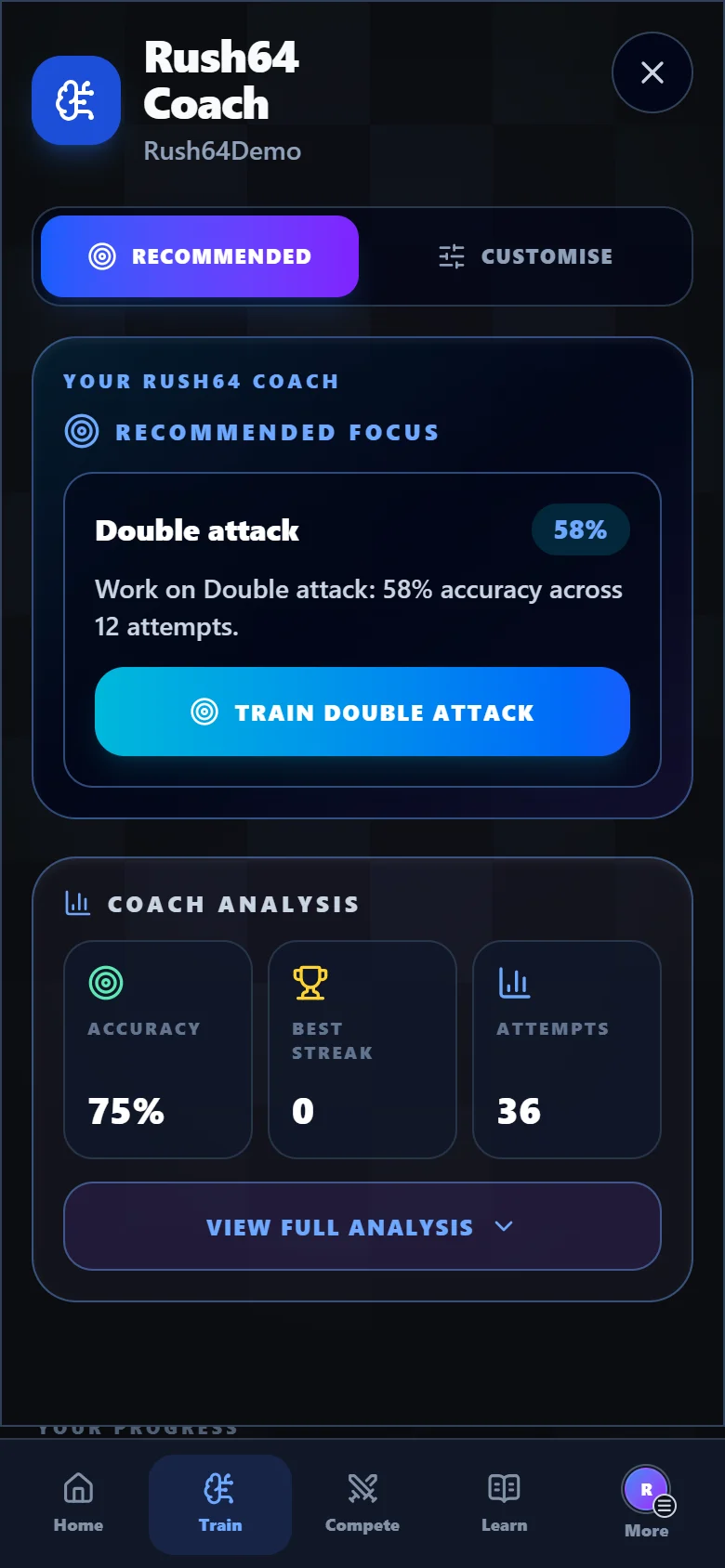
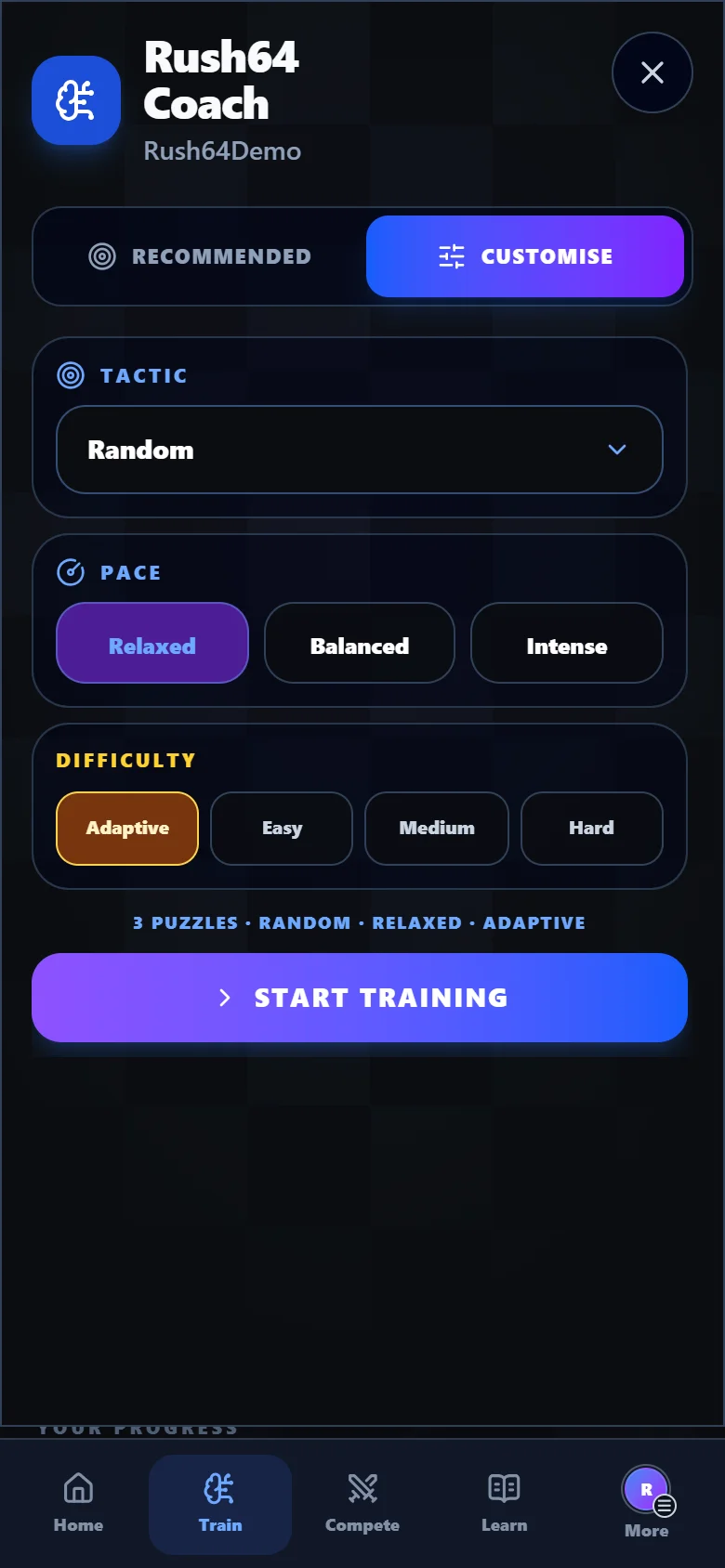
Recommended uses your history to identify a tactic worth practising. Customise lets you design the session: which pattern to train, how difficult the puzzles should be and how quickly to play.
Swipe to see both screens
The Daily challenge gives you a position to solve without hints. Return tomorrow for a new puzzle and, once you finish, share your time to invite friends to beat it.
Swipe to see both screens
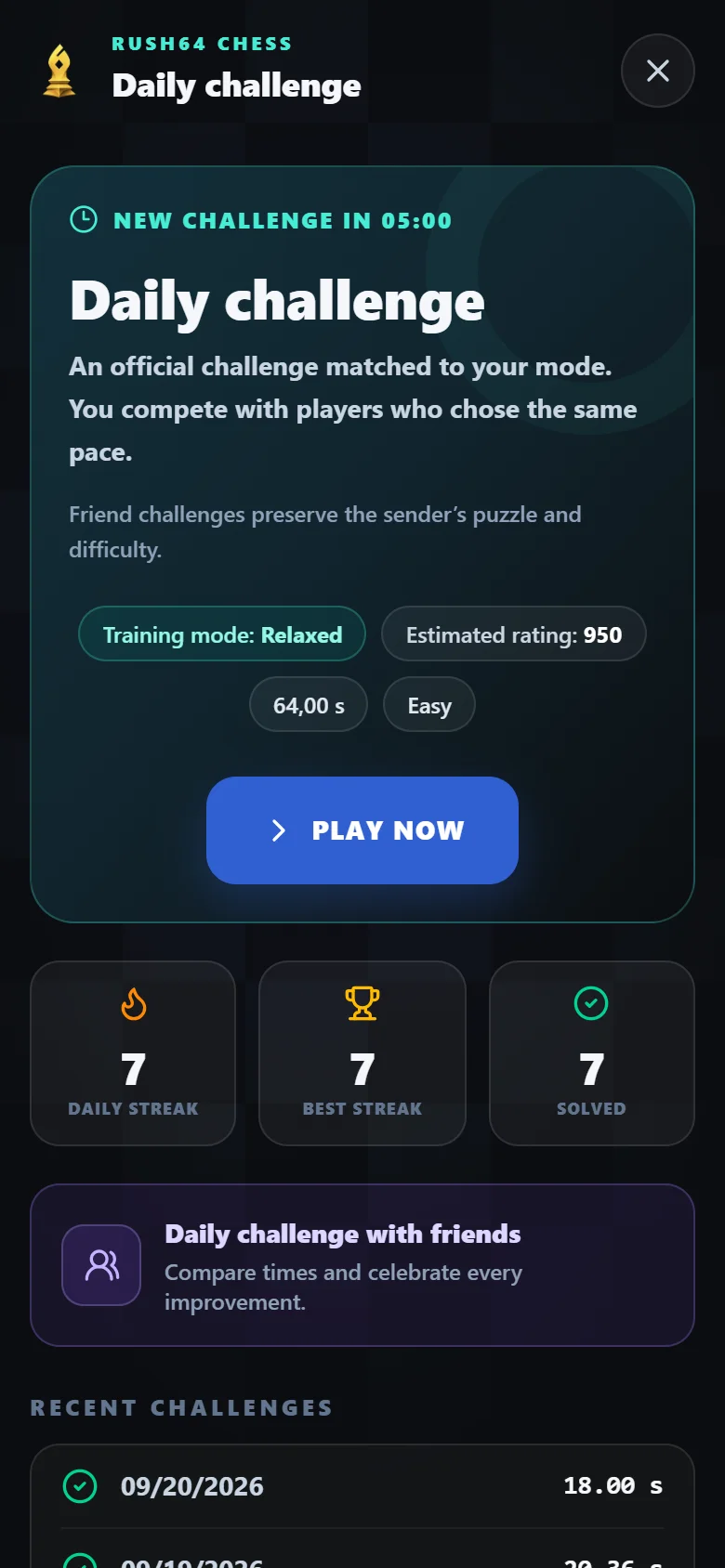
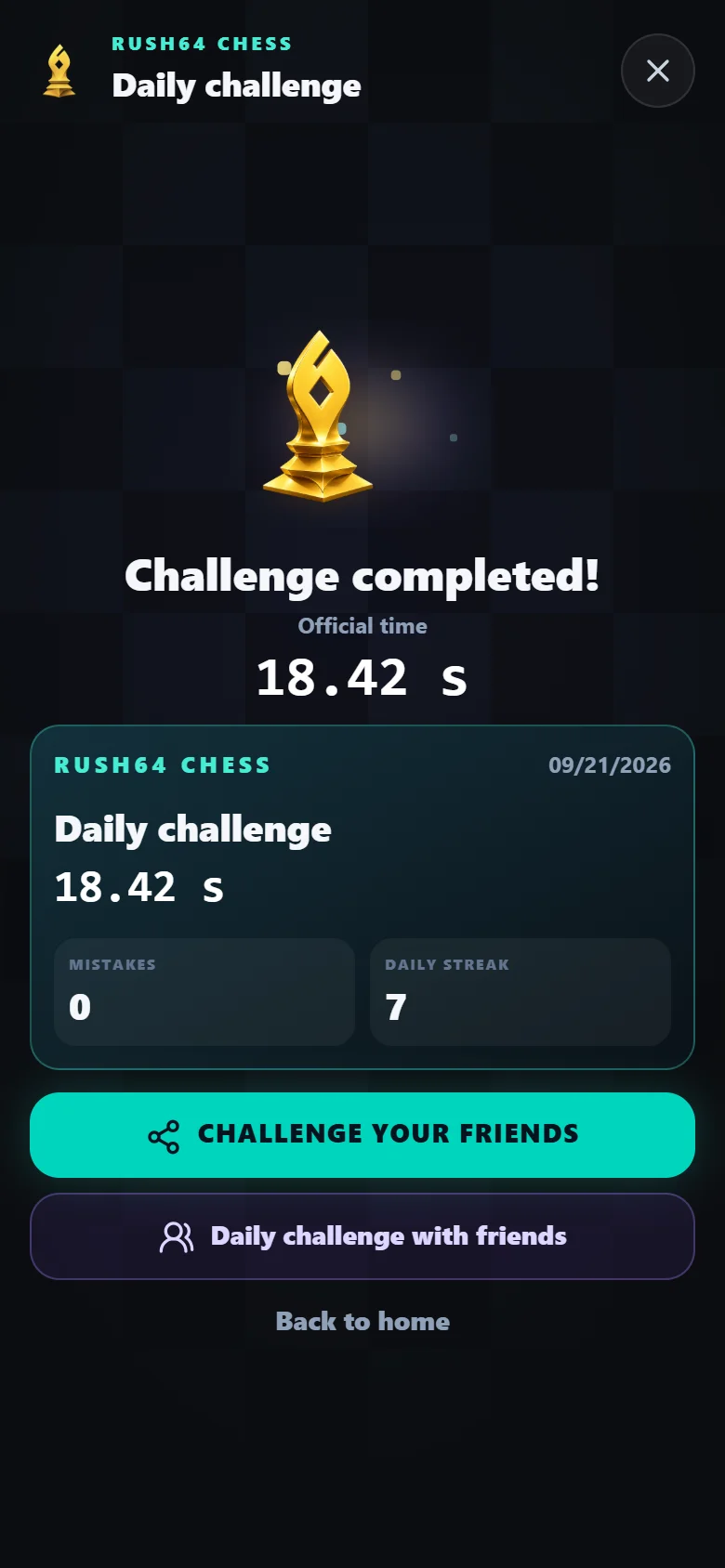
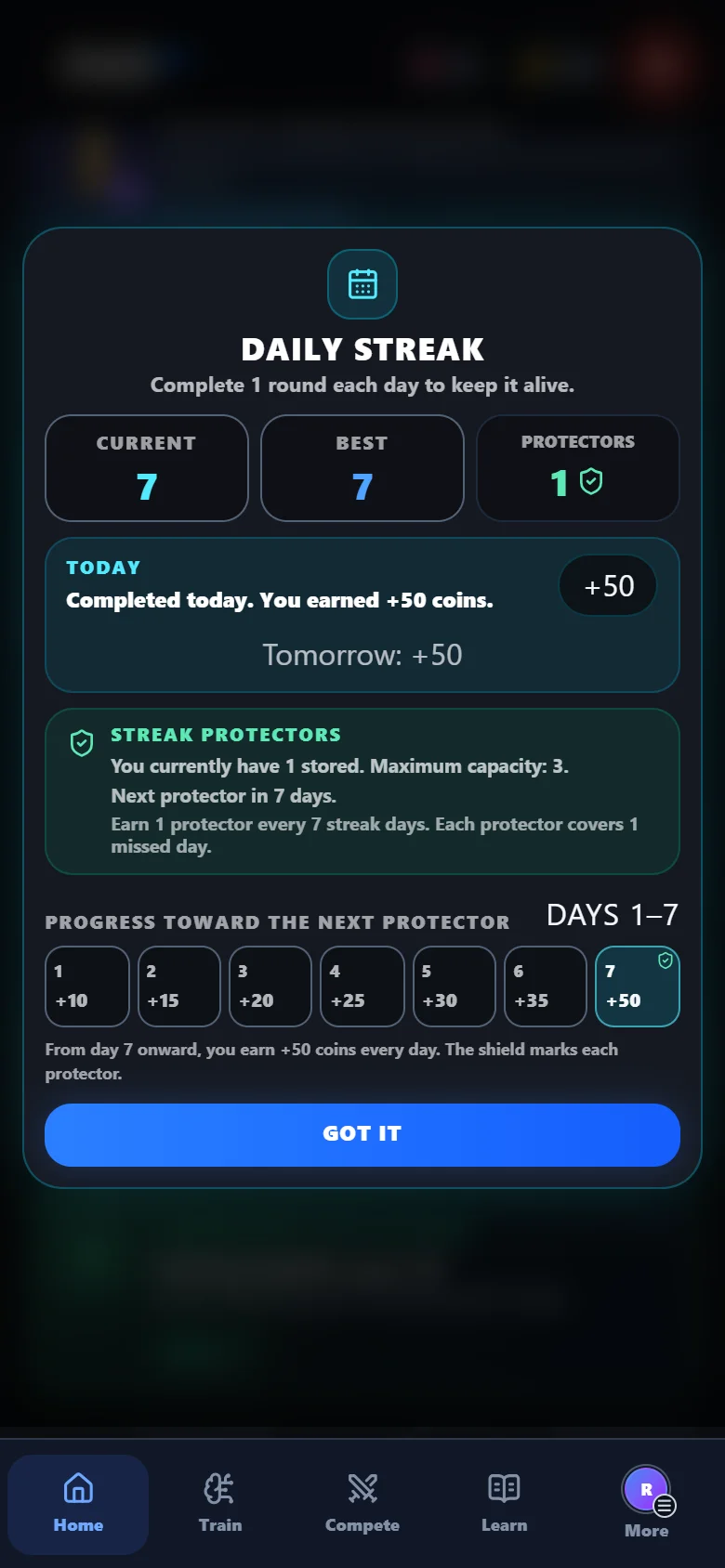
Complete your daily round and follow your streak. Protectors help when you miss a day: each covers one missed day and you can hold up to three.
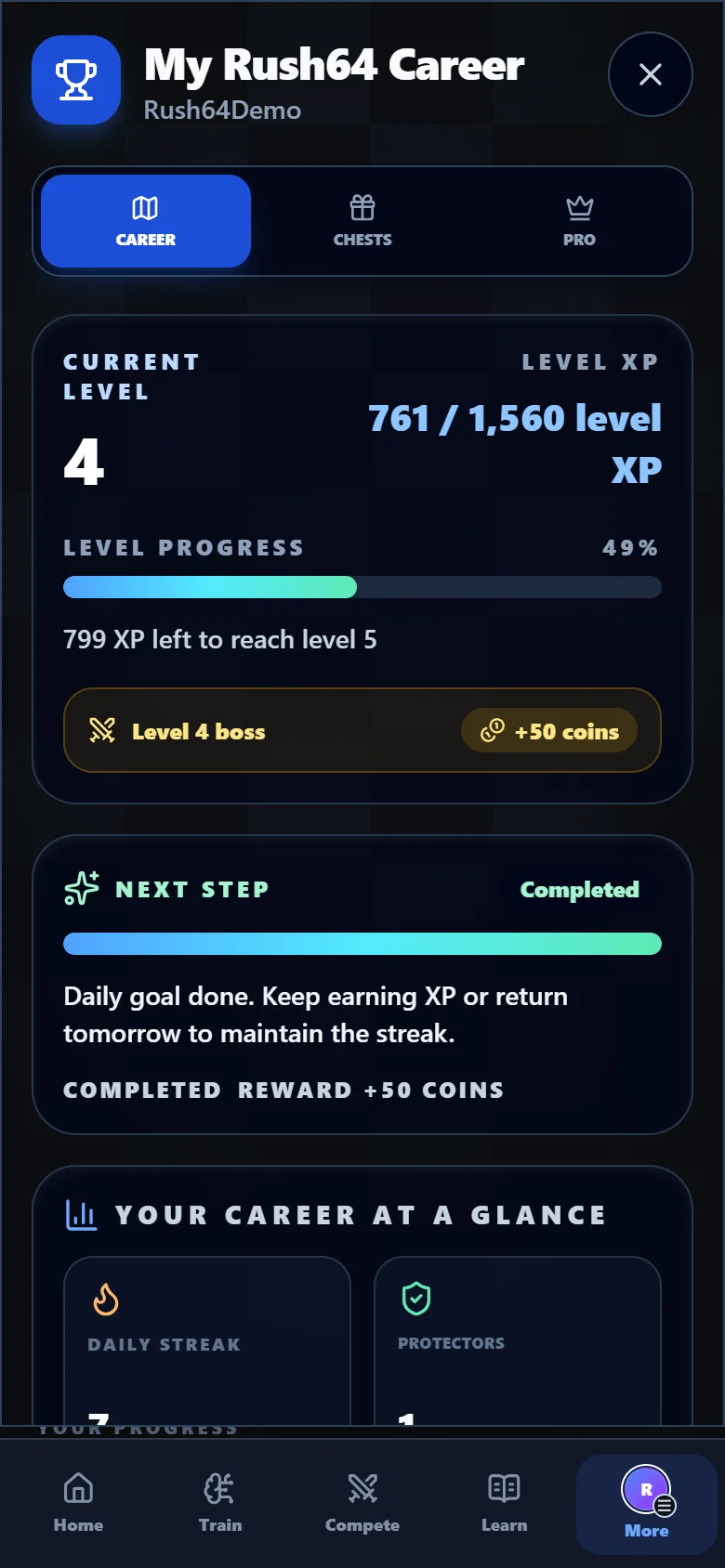
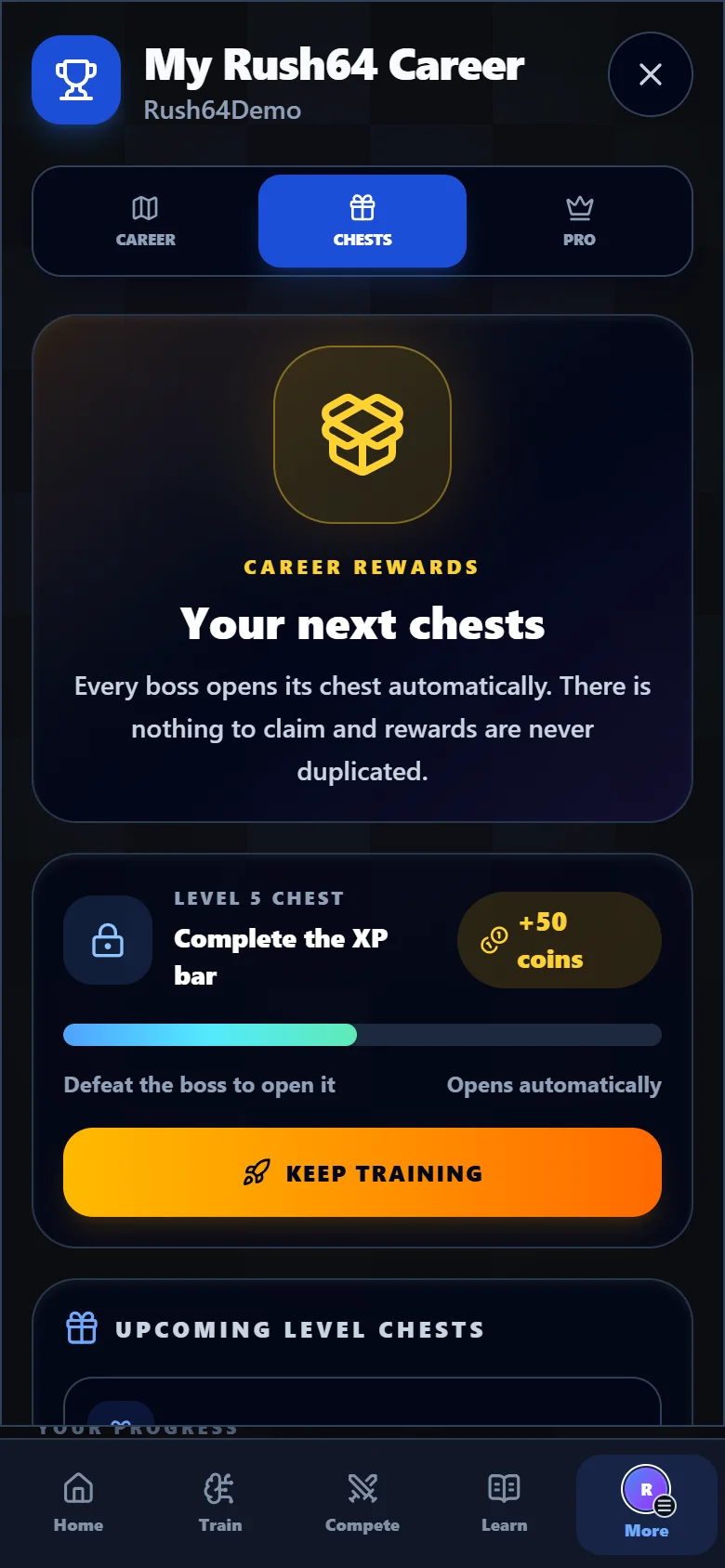
Puzzles earn you experience. Fill the XP bar, beat the boss and move up a level. Chests shows your next reward and the milestones ahead.
Swipe to see both screens
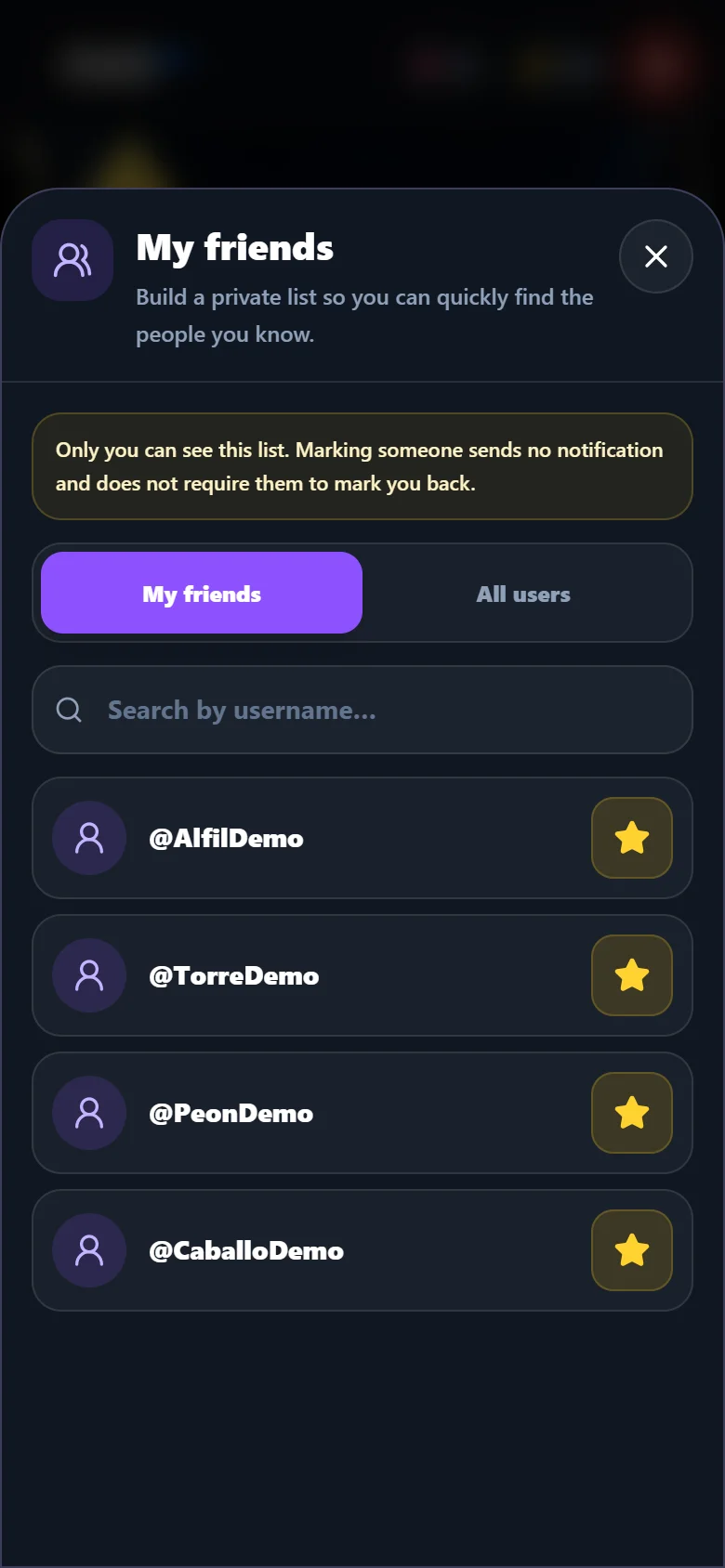
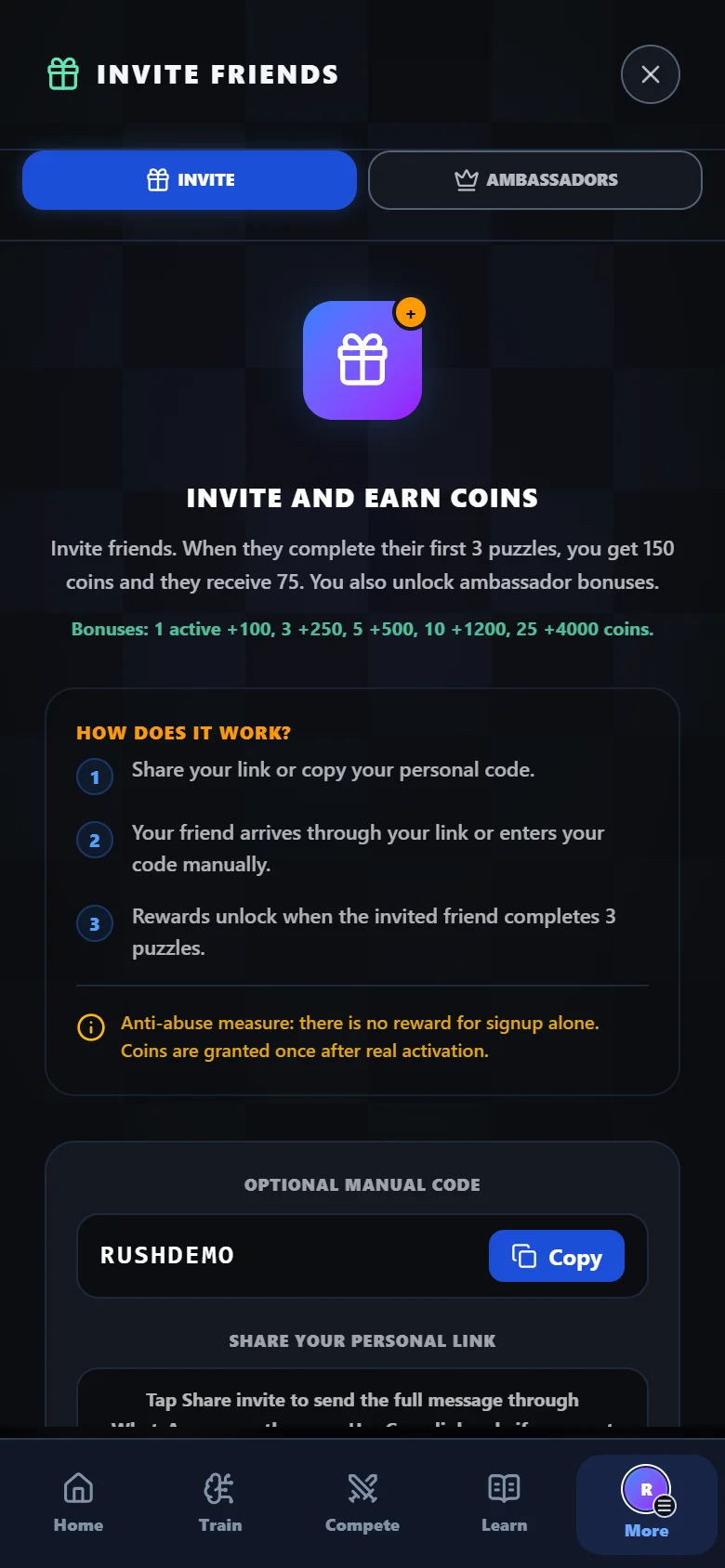
Find your friends, keep them in your list and share challenges. Invite someone who has yet to play with your personal referral link or code.
Swipe to see both screens
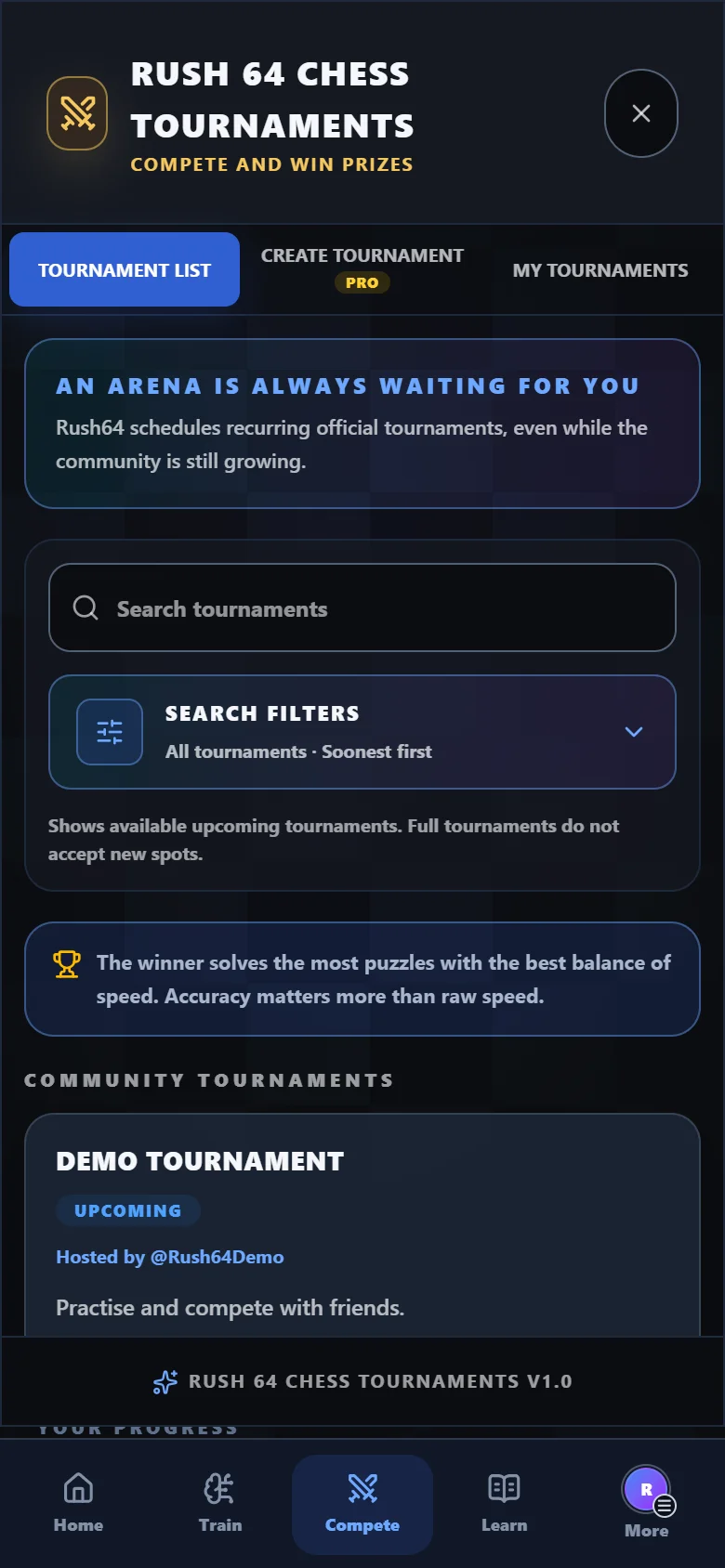
Browse competitions, schedules and conditions before joining. Solve the tournament puzzles and follow the standings. Creating your own tournaments is included in Pro.
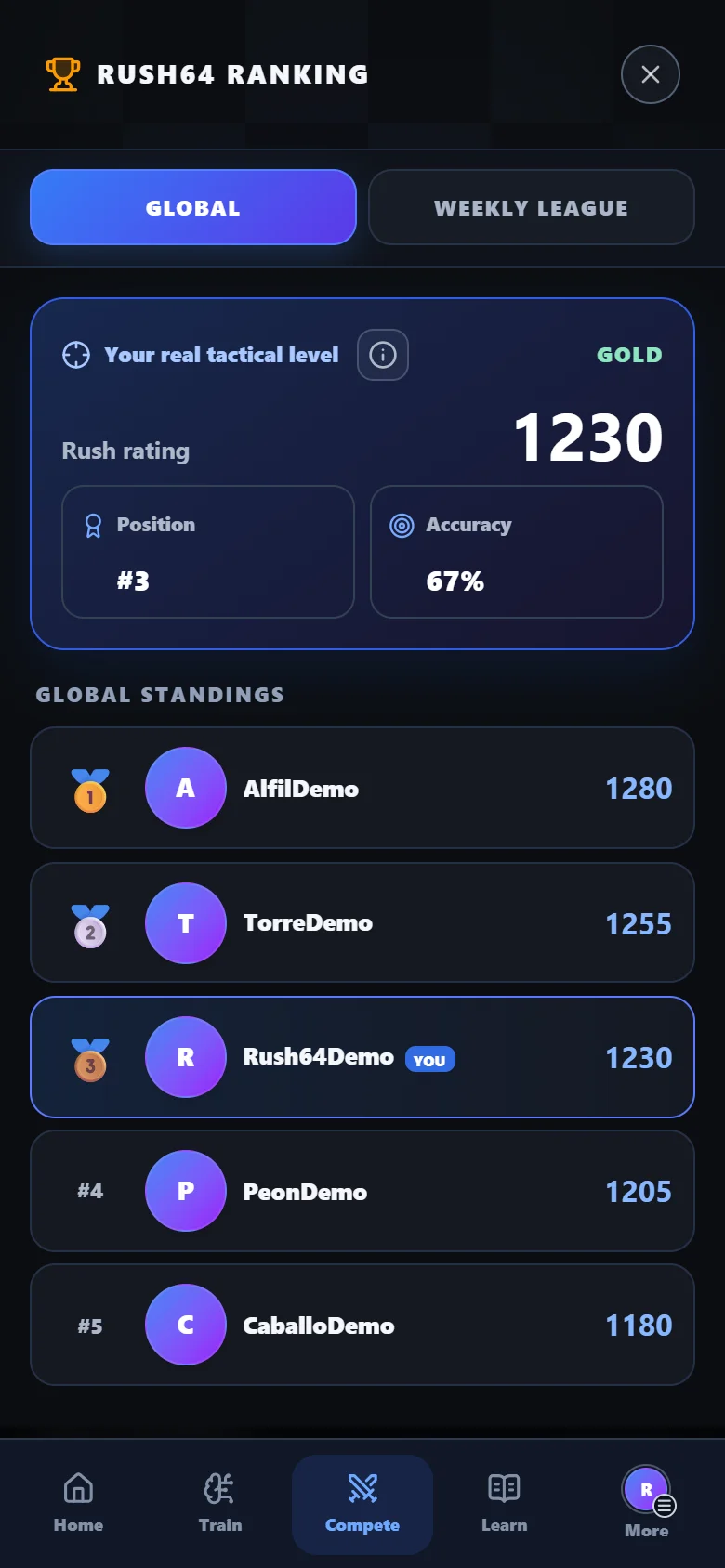
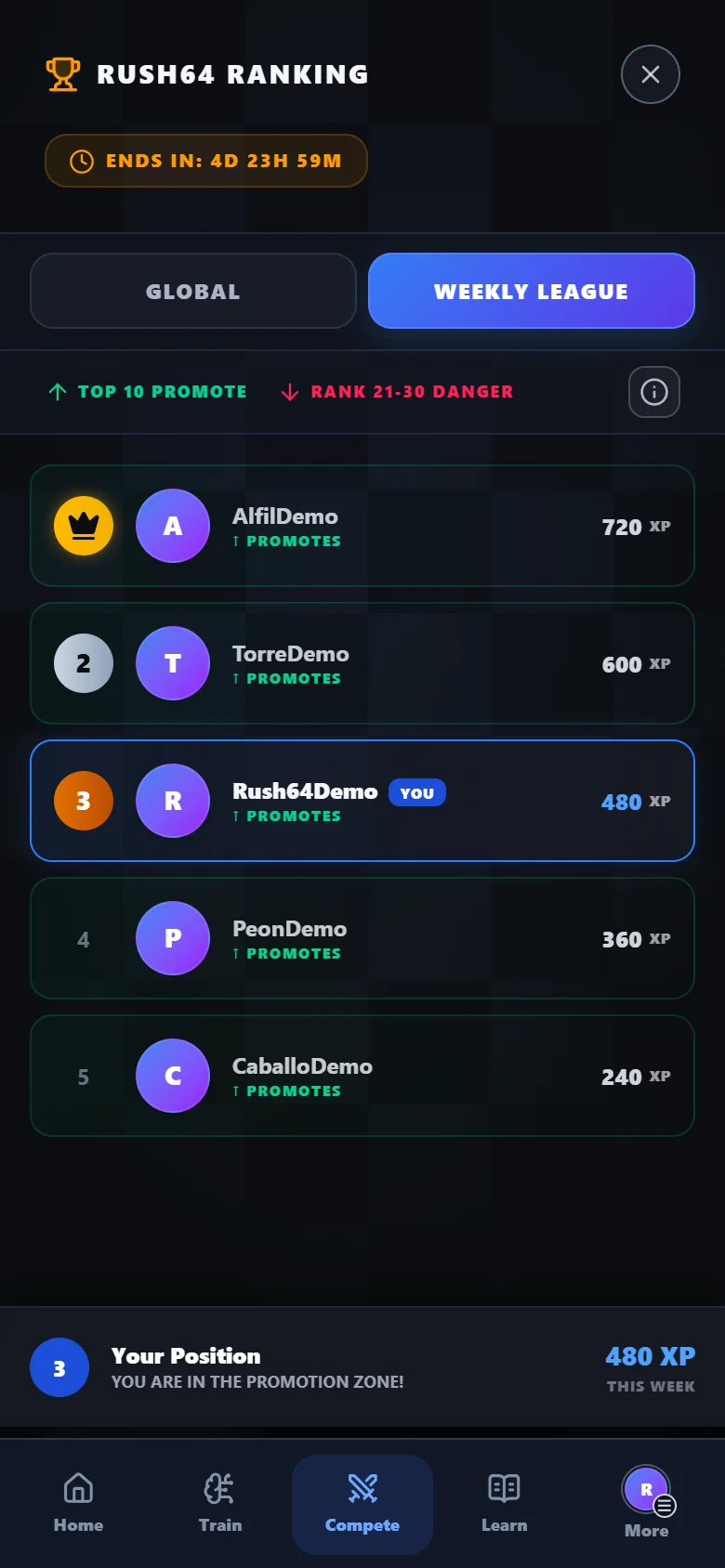
The global ranking tracks your competitive tactical rating. The weekly league uses the XP earned that week: two ways to follow your progress and find a new goal.
Swipe to see both screens
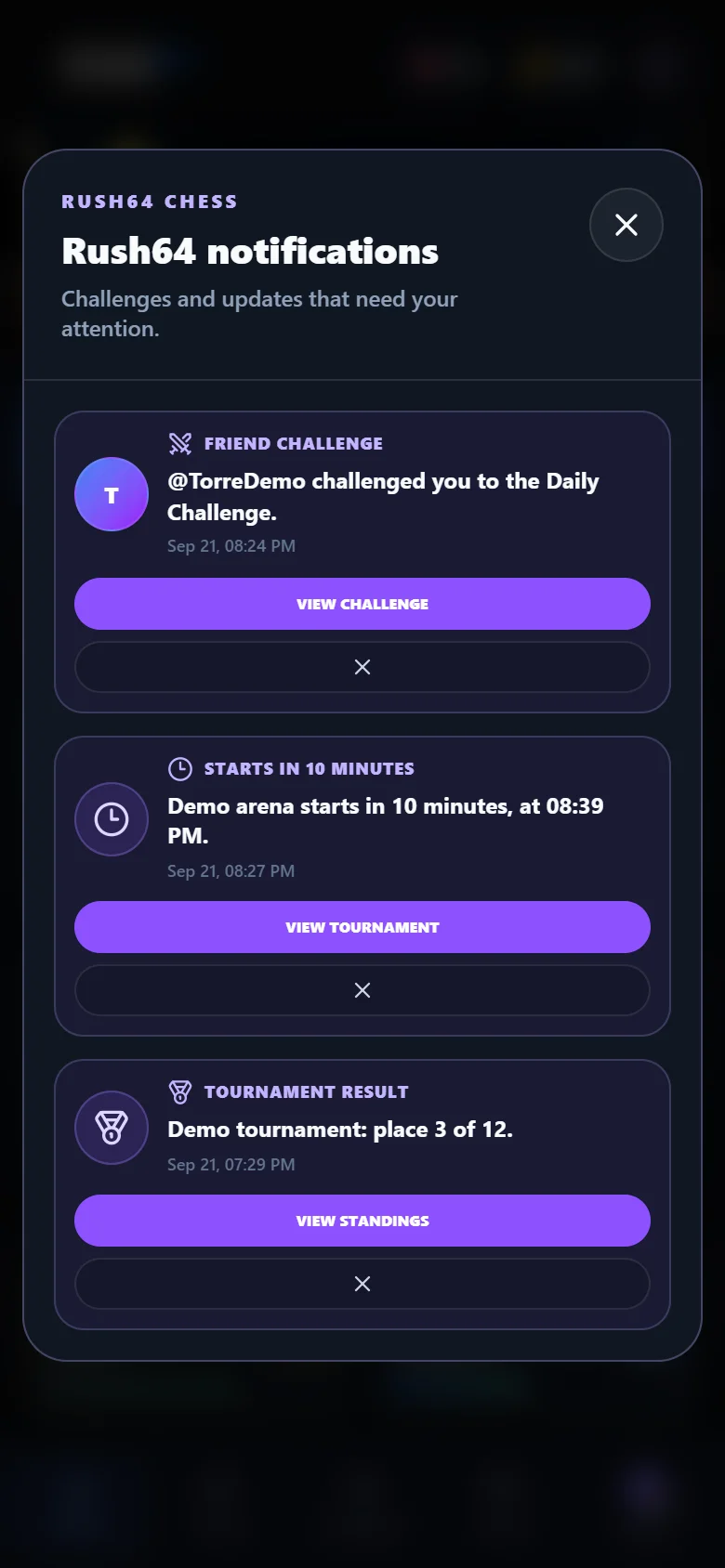
Rush64 notifications bring together challenges, invitations, reminders and tournament results. Return to the activity waiting for you, and configure device reminders in settings.
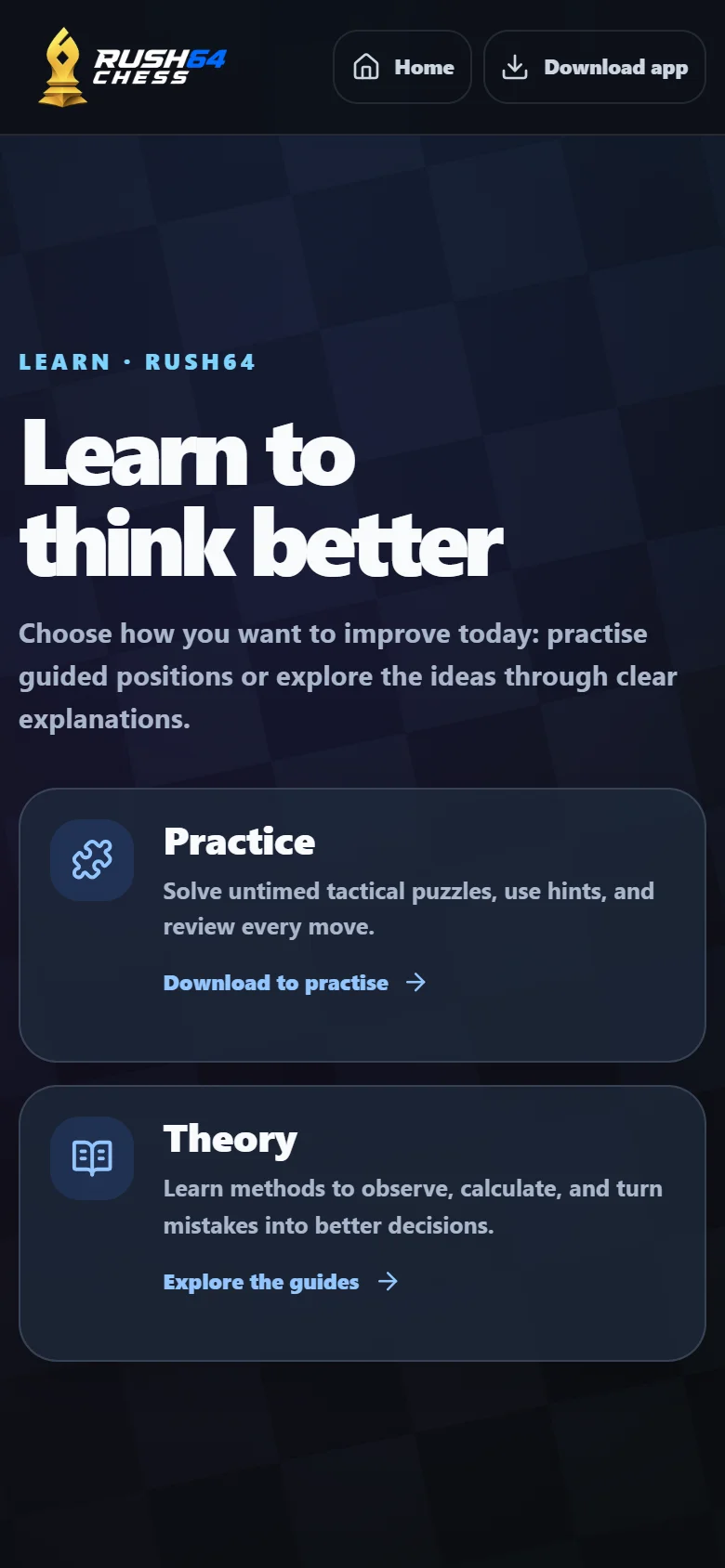
The Learn section brings together practice and theory to help you explore chess. Combine time on the board with explanations that help you understand what to look for.
Try your first round without signing up. Create a free account to save progress and use social features. The app includes ads and purchases; creating your own tournaments requires Pro.
YOUR FIRST ROUND
Choose Google Play for Android or the App Store for iPhone. Open Rush64 Chess on your phone.
Your first round introduces positions and goals. Look at the board and make the move that solves the position.
Review your successes and mistakes. You can create an account to save your progress and keep practising.
If you know how the pieces move, start with the introductory challenges. If you already play regularly, use short rounds to practise calculation and pattern recognition, or to warm up before a fast game.
Rush64 focuses on tactical training. Alongside the app, you can read our chess guides for free on the website.
Yes. You can download the app and practise chess puzzles for free. It contains ads and in-app purchases. The Pro subscription is optional; check your device’s store for current prices and terms.
On Google Play for Android and the App Store for iPhone. The buttons on this page link to the official Rush64 Chess listings. Your store will show whether your device is compatible.
You should know how the pieces move. The first round includes introductory challenges; you can then practise calculation and tactical patterns. Free guides are also available in the Learn section.
You can try the first round without creating an account. Create one to save your progress. You do not need a Chess.com or Lichess account.
Tactical vision, calculation and pattern recognition: checks, checkmates, captures, pins and forks. Review solutions on the board to understand the sequence.
Start with a three-puzzle round and spend a few minutes practising. The total time depends on how long you take to solve the puzzles and review the solutions.
Yes. The app supports English and Spanish. Choose your language in the app settings.
The game is available in the mobile app. On a computer, you can read the guides and scan this page’s QR code to open the download on your phone.
RUSH64 CHESS
Download Rush64 Chess and try your first round for free.
Contains ads and in-app purchases. An optional Pro subscription is available.